⚠️ Esta página conecta você aos parceiros e mercados afiliados da Atovia. Podemos receber uma comissão de parceiros afiliados por atividades feitas através destes links. As ofertas de desconto podem mudar a qualquer momento de acordo com a política! Fique tranquilo, não há custos adicionais para você! Esperamos que isso economize seu tempo na busca pelos itens certos!
‘Will this actually work in my home?’ If that question hits, you’re not alone. Most smart home regrets come from compatibility misses, flaky connectivity, or hidden costs that appear after setup.
Why Smart Home Purchases Fail
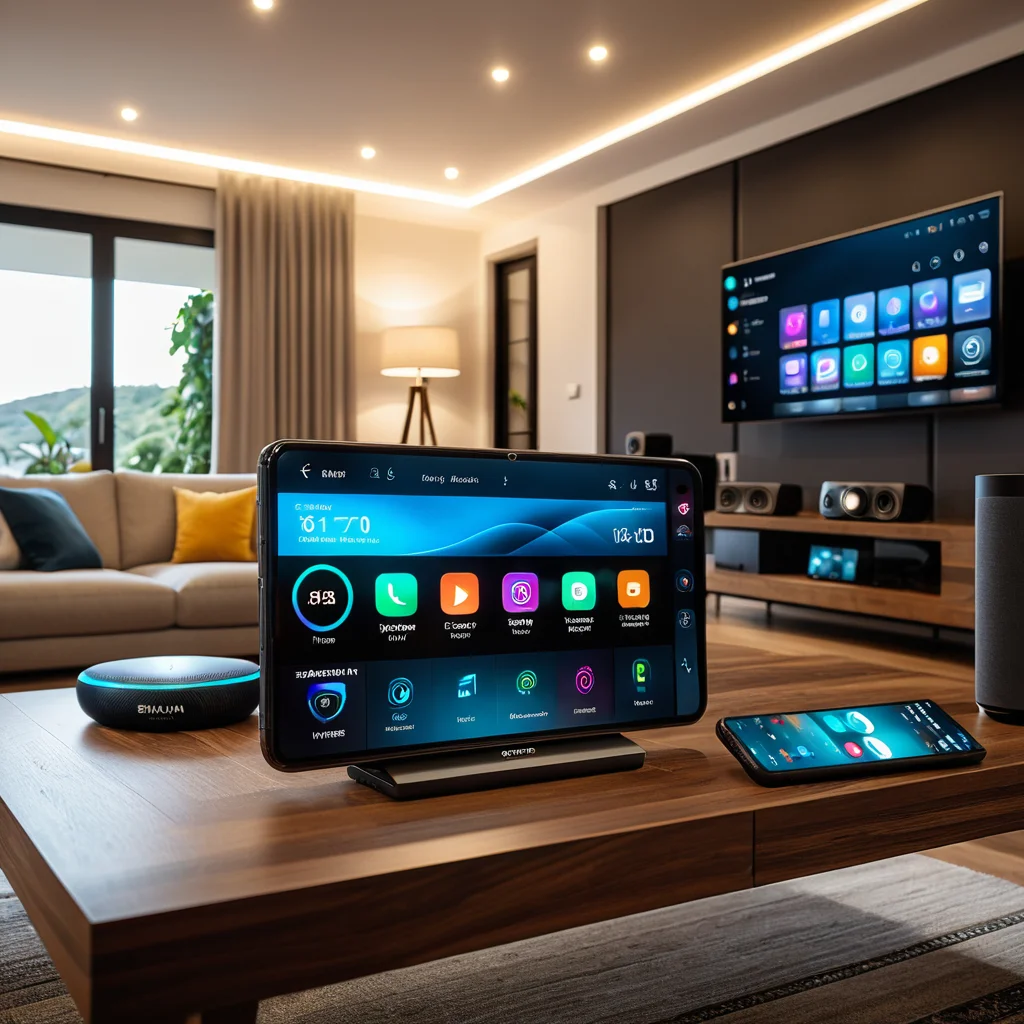
Most regret comes from three gaps: ecosystem mismatch, unstable connectivity, and underestimated total cost. A camera that can’t appear inside your preferred app, a lock that drops offline on a crowded Wi-Fi network, or a ‘budget’ device that needs a subscription to unlock core features—these are common failure patterns. The fix is not buying the ‘best device,’ but building the right device stack for your home: platform, network, and expansion path.
Smart home gear also becomes part of daily routines and security posture. That raises the bar on software updates, vendor support, and data handling. 출처: NIST, 2020
Ecosystem & Compatibility Check
The first decision is the control layer: Apple Home, Google Home, or Amazon Alexa. Choose based on where your household already lives—phones, speakers, TVs, and preferred voice assistant. Then validate compatibility at three levels:
- App support: Does the device integrate natively, or only through a bridge/third-party service?
- Standard support: Prefer Matter where possible to reduce lock-in and improve cross-platform control.
- Hub requirements: Some devices need a hub (or a specific brand hub) for automations and remote access.
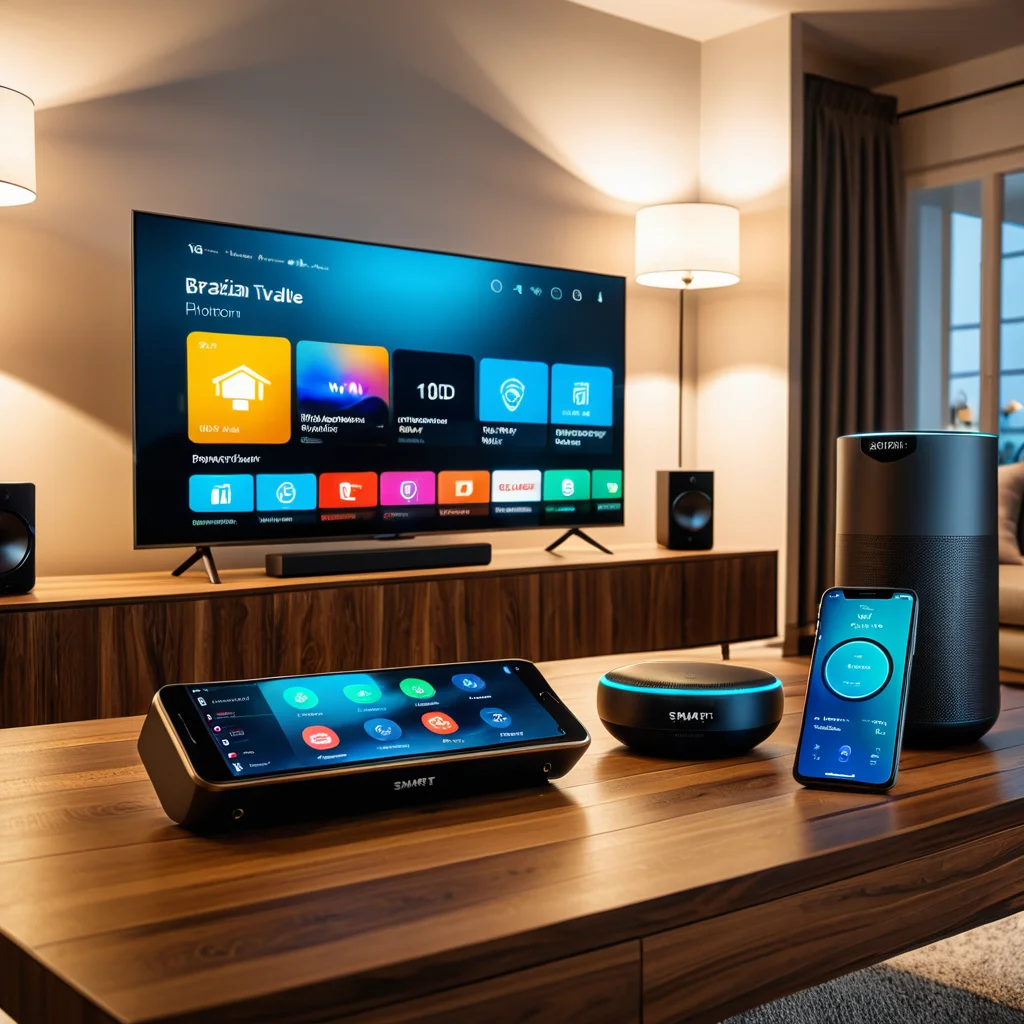
Matter can simplify interoperability, but not every feature maps perfectly across platforms, and device categories mature at different speeds. Treat ‘Matter-compatible’ as a strong plus, then confirm the exact device category and any required controller/hub. 출처: Connectivity Standards Alliance, 2022
- Pick the platform first, then confirm device compatibility and hub needs.
- Matter support lowers lock-in risk, but you must verify category-level support.
- Don’t rely on marketing badges—confirm the exact model in official compatibility lists.
Connectivity & Installation Requirements
Smart home reliability is a network problem as much as it is a device problem. The main options:
- Wi-Fi: Easy setup, but crowded networks can cause dropouts; power use is typically higher.
- Zigbee / Thread: Low power, mesh networking, often more stable for sensors and lights; requires a compatible hub/controller.
- Bluetooth: Useful for onboarding and close-range control; limited for whole-home coverage without a bridge.

Before buying, map your home: router placement, wall density, floors, and where devices will live. If you plan multiple sensors, lights, and switches, a mesh approach often scales better than ‘everything on Wi-Fi.’ For critical devices (locks, leak sensors), prioritize offline-safe behavior and local control options so temporary internet outages don’t break essentials.
Cost, Value & Hidden Expenses
Commercial pages emphasize sticker price, but purchase quality depends on total cost of ownership:
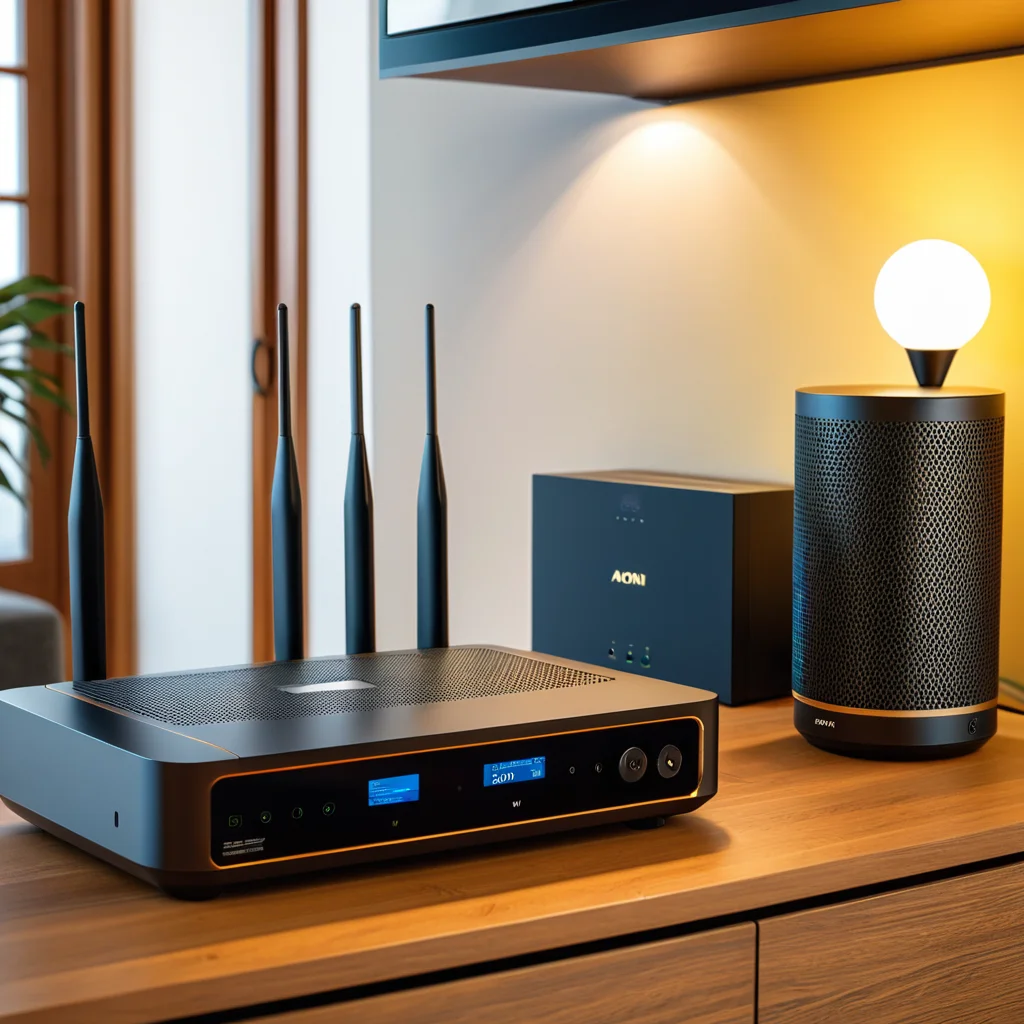
- Subscriptions: Cloud recording for cameras, advanced detection, extended history, or multi-user features may require monthly fees.
- Accessories: Hubs, repeaters, mounts, or compatible bulbs/switch plates add up.
- Expansion cost: A ‘starter’ device that locks you into one ecosystem can raise the price of every next device.
- Maintenance: Battery replacement cadence for sensors; firmware updates; support windows.
Value comes from matching spend to use: spending more on a lock with reliable connectivity can beat buying premium lighting for rarely used rooms. For energy-related devices, calculate payoff from measurable behaviors (schedules, standby load reduction), not vague ‘efficiency’ claims. 출처: ENERGY STAR, 2023
Use Case–Based Device Selection
Use-case planning prevents overbuying. Typical scenarios:
- Apartments / renters: Focus on non-invasive installs—plugs, bulbs, portable sensors, and one hub/controller.
- Families: Prioritize multi-user access, shared automations, and physical fail-safes (manual override for lights/locks).
- Security-first: Entry sensors and cameras in permitted areas; verify storage options and retention.
- Energy & comfort: Thermostat (where compatible), room sensors, smart plugs, and routines tied to occupancy patterns.

Start with one anchor category—lighting or security are common—then expand in layers. Each new device should strengthen the system: consistent control, predictable automations, and fewer manual steps. When comparing products, weigh setup friction and support maturity as heavily as specs.
Comparison: Entry vs Advanced Smart Devices

Not all ‘premium’ devices are worth it. The right tier depends on how much you automate, how many devices you will add, and whether reliability is mission-critical.
| 항목 | Entry-Level (Budget) | Advanced (Premium) |
|---|---|---|
| Best for | First-time users, small setups | Multi-room automation, larger homes |
| Connectivity | Often Wi-Fi / basic Bluetooth | Thread/Zigbee support, better mesh stability |
| Automation depth | Simple schedules, basic triggers | Richer rules, faster response, local processing options |
| Hidden costs | Higher chance of paywalled features | Higher upfront cost, sometimes lower subscription reliance |
| Support lifecycle | Shorter update/support window risk | Typically longer support and better firmware cadence |
| When to choose | Testing the waters, 3–5 devices max | Planning 10+ devices, security/comfort priority |
Quick rule: if you expect to expand, invest in the backbone—controller/hub, stable connectivity, and devices that keep working without constant tinkering. If you only need one or two conveniences, entry-level can be enough, as long as compatibility is verified.
Conclusion: Smart Checklist Before You Buy
Here’s the fast pre-purchase checklist. Run it once and you’ll avoid most ‘week-one’ regrets.
- Platform first: Choose Apple/Google/Amazon as your main control layer.
- Compatibility proof: Confirm the exact model in official support lists.
- Network plan: If Wi-Fi is crowded, consider Thread/Zigbee plus a compatible hub.
- Total cost: Add subscriptions, hubs, mounts, and expansion accessories before deciding.
- Use-case fit: Start with one anchor category (lighting or security), then scale.
One last tip: the best ‘deal’ is usually the setup that stays reliable as you add devices, not the lowest upfront price.
더 많은 비교/구매 정보가 필요하신가요?